


- Best Coral Affiliate Platform Alternatives for Amazon Brands - November 9, 2026
- Looking for Shopify Collabs Alternatives? Here Are 5 Worth Considering - November 9, 2026
- Best Affiliate Platforms for Amazon Brands (2025 Guide) - December 11, 2025
There’s a note at the top of Shopify’s own Collabs help page that tells you most of what you need to know about where the app is headed:
“Collabs isn’t accepting new creator signups at this time.”
Existing creators can still log in. You can still invite people and accept applications, but the marketplace side, where new creators discover your brand, is frozen. Shopify hasn’t said when (or if) it’ll reopen.
For a free app, Collabs does a lot. For a growing brand, not nearly enough. Here’s my take:
- Collabs is a great place to start an affiliate program and a bad place to keep it.
- The limits look like bugs, but they’re just what free looks like.
- Most brands leaving it don’t need a “better Collabs.” They need whatever Collabs was never meant to do.
Here’s what’s missing, and the five tools I’d move to depending on what I need the most.
When Collabs isn’t enough
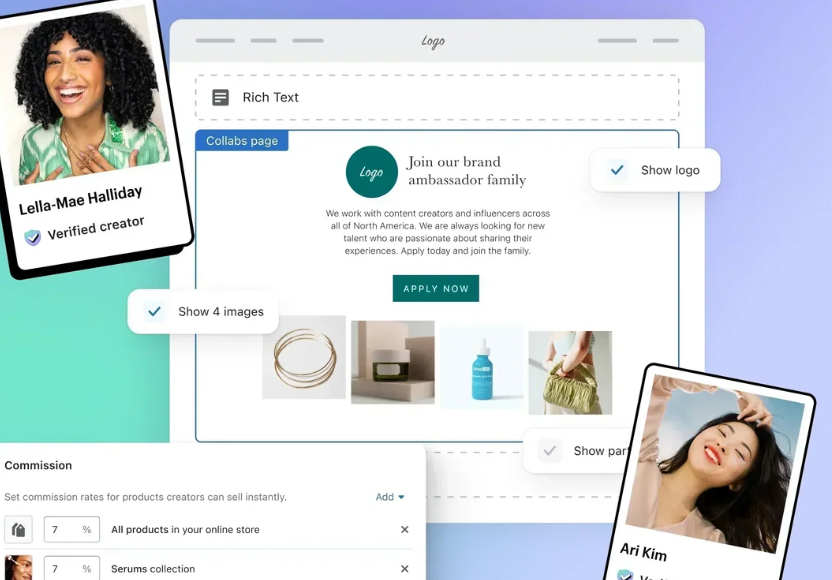
The App Store listing makes Collabs look limitless. The help center tells a different story, which is why I went through Shopify’s merchant docs to see what we’re actually signing up for. Here’s what’s in there:
- The creator pool isn’t growing. With signups closed, discovery only shows creators who were already there. Everyone new has to come from you.
- 100 invites a week, max. Shopify limits direct invites at 100 creators per 7-day period, and each invite expires after 30 days. A cap on outreach tells you exactly who a tool was built for: brands that already have their people. If you’re still recruiting, you’re not in a good place.
- A 2.9% fee on every commission. Payouts go through your Shopify bill with a 2.9% processing fee on each automatic commission payment. Tiny on one sale but at $3,000 a month in commissions, you’re paying Shopify $87 a month for handling money you already owed. Not a dealbreaker but not exactly “free.”
- Creators have to opt in to get paid. Every creator needs auto-payouts switched on, or their commission stays in a “waiting for creator” state after the holding period. Guess who gets the DM about it. (You. It’s always you.)
- Leave, and every link dies. When a brand leaves Collabs, creators’ affiliate links and discount codes are deactivated. This is the one that would keep me up at night. Your oldest creator videos are often your best performers, and every one of them points at a link that dies the day you uninstall.
- It’s Shopify only. If you also sell on Amazon or Walmart, Collabs can’t see those sales. Your best creator could be driving half of your Amazon revenue, and the dashboard would still show zero.
To be fair, and I mean this: it’s free, you never leave Shopify to use it, gifts ship like normal orders (with free shipping applied), and the Shopify Flow integration is nice to have. Plenty of people never need more. This post is for the ones who do.
The comparison at a glance
All info below comes from the vendor’s own pricing page, as of September 2026.
| Monthly cost | Sales fee | Finding creators | Beyond Shopify | |
| Shopify Collabs | Free | 2.9% payout processing fee | Frozen; 100 invites per 7 days | No |
| Levanta | $350 (Shopify plan) | 4% of affiliate-driven sales | 80K+ marketplace, AI search, social listening | Amazon, Walmart Wayfair TikTok Shop |
| UpPromote | Free to $199.99 | 2% down to 1% by tier | Discovery add-on from $39 | No |
| Social Snowball | From $249 | 3% of affiliate revenue (Snow Day); none on Blizzard | Auto-enrolls your customers | TikTok Shop |
| GRIN | Free to $1,500 | None on affiliate sales | 700K+ creators, AI sourcing | Any stack via SDK |
| GoAffPro | Free or $49 | None | Bring your own | 18+ platforms |
Free apps charge you a percentage, paid platforms charge you a fee, and the crossover point is somewhere between $20K and $50K in affiliate revenue depending on the tool. Run your own numbers before making the call.
1. Levanta
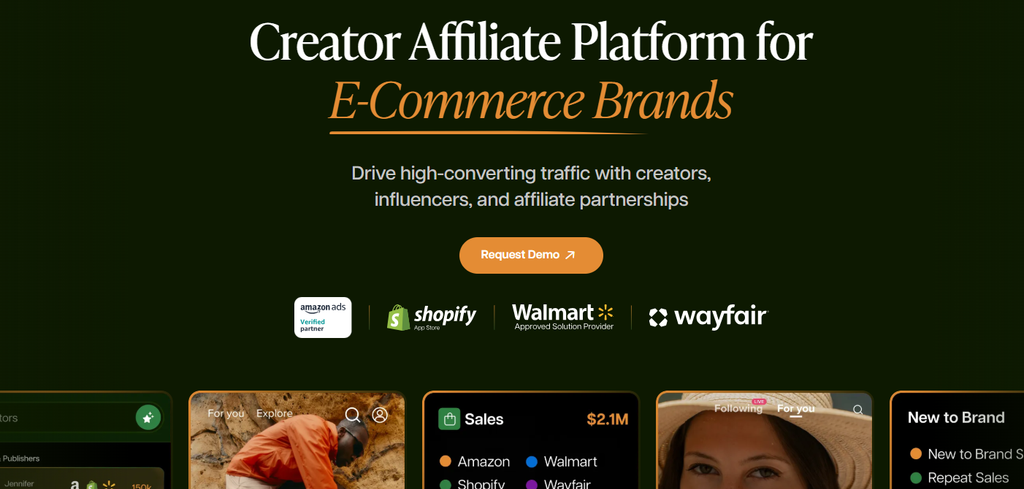
Best if you sell on more than Shopify, or need creators you don’t have yet.
Most “Collabs alternatives” lists compare Shopify apps to other Shopify apps. That misses the brands with the biggest problem: the ones selling on Amazon, Shopify, and Walmart at the same time. For them, Collabs is an unacceptable limitation.
Levanta added Shopify support in March 2026, next to the Amazon and Walmart programs it already ran, and it now covers Wayfair and TikTok Shop too. That’s the main reason it’s #1 here. It’s the only tool on this list that tracks Amazon, Walmart, Wayfair and TikTok Shop sales, so one creator gets measured across all those platforms from one account. Say a TikTok creator’s audience splits its purchases between TikTok Shop, Amazon, Wayfair and your Shopify store, Levanta tracks sales on all four. Shopify Collabs only credits what happens on your store. That means you’re likely undervaluing creators who send a lot of buyers to TikTok Shop, Amazon or Wayfair and overvaluing the ones who happen to convert well on Shopify.
It also fixes the frozen-pool problem directly:
- A marketplace of 90K+ vetted creators to recruit from.
- AI-powered search for creators on TikTok, Instagram, and Facebook who aren’t on Levanta yet.
- Social listening to find creators already posting about your brand.
The social listening is probably my favorite feature. A creator who already posts about you for free is the cheapest, most convincing recruit you’ll ever get.
On the operations side, Levanta covers a lot that you’d handle manually with Collabs:
- Creator discount codes for Shopify, one creator per code.
- Paid placements. The brand funds a flat-fee deal upfront, and Levanta releases the money once the post is verified live.
- Product sampling, handled inside the platform.
- Automated payouts and 1099s, generated and filed.
If you’re selling on Shopify with modest volume, this is more than you need. The Shopify plan is $350/month plus 4% of affiliate-driven sales. Creators also get paid through Stripe only, so check your roster before you move. But as soon as you have a second sales channel, nothing else on this list comes even close.
The short version: Multi-channel brand > one creator, tracked across Amazon, Shopify, Wayfair, TikTok Shop and Walmart > the only entry here that gives you the whole picture.
2. UpPromote
Best if you want Collabs, but with the limits removed.
UpPromote feels like what Collabs could have been. It has the same Built for Shopify badge and 4.9 stars with 3,800+ reviews. Its free plan covers up to $3,000 in monthly referral sales, so a small program can switch over without paying anything.
What you get over Collabs:
- Anti-leak discount links, so a creator’s code doesn’t end up on a coupon site earning commission on sales they didn’t drive. (Professional plan.)
- Automated PayPal payouts and 1099 generation. (Also Professional.)
- A creator discovery add-on from $39/month, which you’ll want now that Collabs’ own pool is frozen.
- An API and MCP, if you want to connect it into the rest of your stack.
This is the default for Shopify-only brands, and I’d start here unless you have a specific reason not to. My only gripe is the pricing. Every paid tier comes with a monthly fee on a cut of referral sales: $29.99 plus 2%, $89.99 plus 1.5%, or $199.99 plus 1%. Anti-leak links and PayPal auto-payouts only start at the $89.99 tier. Percentage fees feel harmless in the beginning, but it’s far from a bargain.
The short version: Shopify-only brand > same workflow as Collabs > fewer leaks, more discovery, proper payout automation.
3. Social Snowball
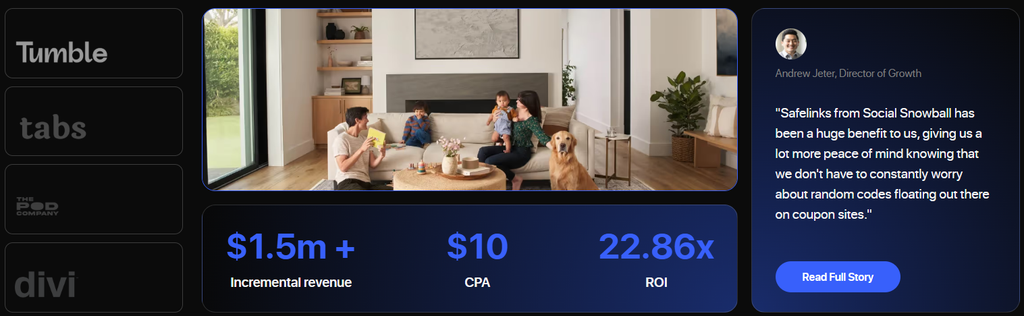
Best if your customers are your best affiliates.
Hot take: for a lot of DTC brands, the best creators aren’t creators but customers who already bought twice.
Social Snowball bets the whole product on that. After checkout, every customer automatically gets a referral link or code and becomes an affiliate. No application, no invite cap, no waiting on someone to accept an email that expires in 30 days. Your order confirmation page does the recruiting.
That’s the most elegant solution for a repeat-purchase brand I’ve seen. Collabs makes you go find people. Social Snowball turns the people you already have into the channel.
While I love the mechanic, I’m lukewarm on the pricing. The App Store listing starts at $249/month, and the Snow Day plan adds 3% of affiliate-generated revenue on top. That’s revenue, not the commission you pay out. On a program built to grow with every order, that’s a fee that grows exactly as quickly as you do. The Blizzard plan swaps the percentage for a custom flat fee, and I’d push for it on the first sales call once your affiliate revenue is big enough to justify it.
The short version: Repeat-purchase brand > buyers become affiliates at checkout > negotiate your way off that 3%.
4. GRIN
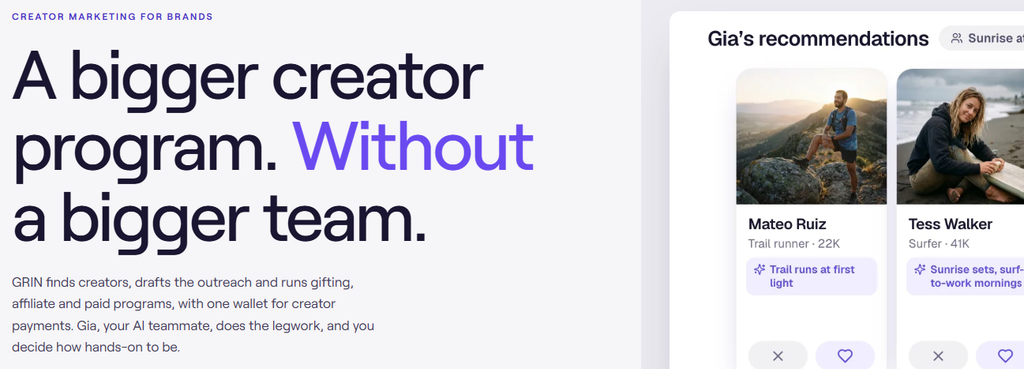
Best if you’re running a creator program.
And I’d emphasise “creator program”, because that’s different from an affiliate program. An affiliate program is links and commissions. A creator program is relationships: briefs, gifting, contracts, content approvals, and remembering which creator hates being emailed on Mondays. GRIN is perfect for the second one, with an affiliate function on top.
A heads-up on price, because roundups are out of date. Plenty of 2026 articles still quote a $399 “Lite” plan. GRIN’s pricing page now uses credits for its AI agent, Gia:
- Free, with 200 monthly credits.
- Starter at $200/month.
- Growth at $500/month.
- Scale at $1,000/month.
- Complete at $1,500/month.
The good news is that affiliate links, discount codes, and GMV tracking never use credits and have no take rate. Overage costs $0.10 per credit, under a cap you can and should set immediately. The credits are a bit tricky though because you’re paying for how much work the AI does, which is harder to forecast than a flat fee.
The short version: Big roster, hands-on relationships > GRIN’s CRM plus Gia > affiliate tracking stays free, the AI work doesn’t.
5. GoAffPro
Best if you just need Collabs’ job done for less.
GoAffPro has the most generous free plan here. You get unlimited affiliates, unlimited revenue, a branded portal, and mobile apps for your affiliates. Premium is $49/month for multi-level commissions, a portal on your own domain, and bulk email. Payout options go well beyond Collabs, too: PayPal, bank transfer, ACH, and gift cards.
However, GoAffPro is self-managed, and the reviews show what that really means. In July 2026, a wine merchant reported paying out more than $20,000 in commissions to affiliates who hijacked existing discount codes and UTM parameters. Those affiliates claimed sales from customers already on the brand’s email and SMS lists. GoAffPro’s reply was that the store was on the Free plan, and merchants control their own attribution rules and approve commissions before payouts. Both sides have a point. The tool won’t stop you from misconfiguring it, and that’s my main problem with self-managed tools in general.
Overall, great price, zero hand-holding. If nobody on your team owns attribution rules, “free” can be quite expensive.
The short version: Limited budget > free, unlimited, flexible payouts > lock down your attribution rules before the first affiliate signs up.
So which one should you pick?
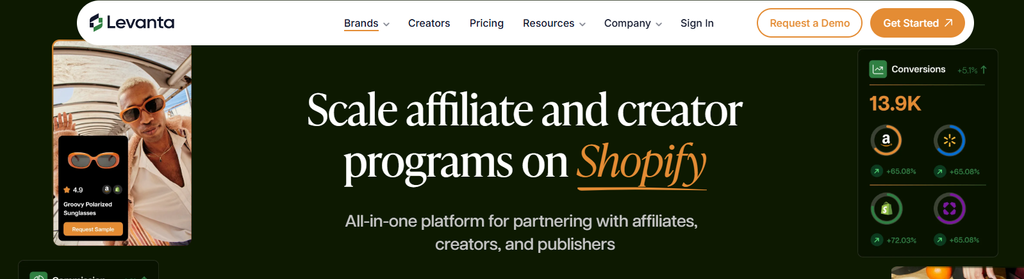
If I had to boil this post down to one sentence: stop asking which tool is the best, and ask which Collabs limit annoys you the most.
If:
- You need more creators: Levanta, or UpPromote with its discovery add-on.
- You sell beyond Shopify: Levanta. Nothing else here tracks Amazon, Wayfair, TikTok Shop or Walmart.
- Your customers are the growth channel: Social Snowball.
- You’re primarily managing relationships: GRIN.
- Collabs worked, you just want it cheaper or more flexible: GoAffPro or UpPromote’s free plan.
Whichever you pick, remember the deactivated links. Before you uninstall anything, hand your creators their new links first. Give them a few weeks to swap them in bios, pinned comments, and link-in-bio pages. Then switch Collabs off. Otherwise, every old video pointing at your store turns into a dead end overnight, and you’ll never know how many sales it cost you.
Good luck out there! Hope this saved you a few hours of clicking through pricing pages and trying to make sense of it all.